Context
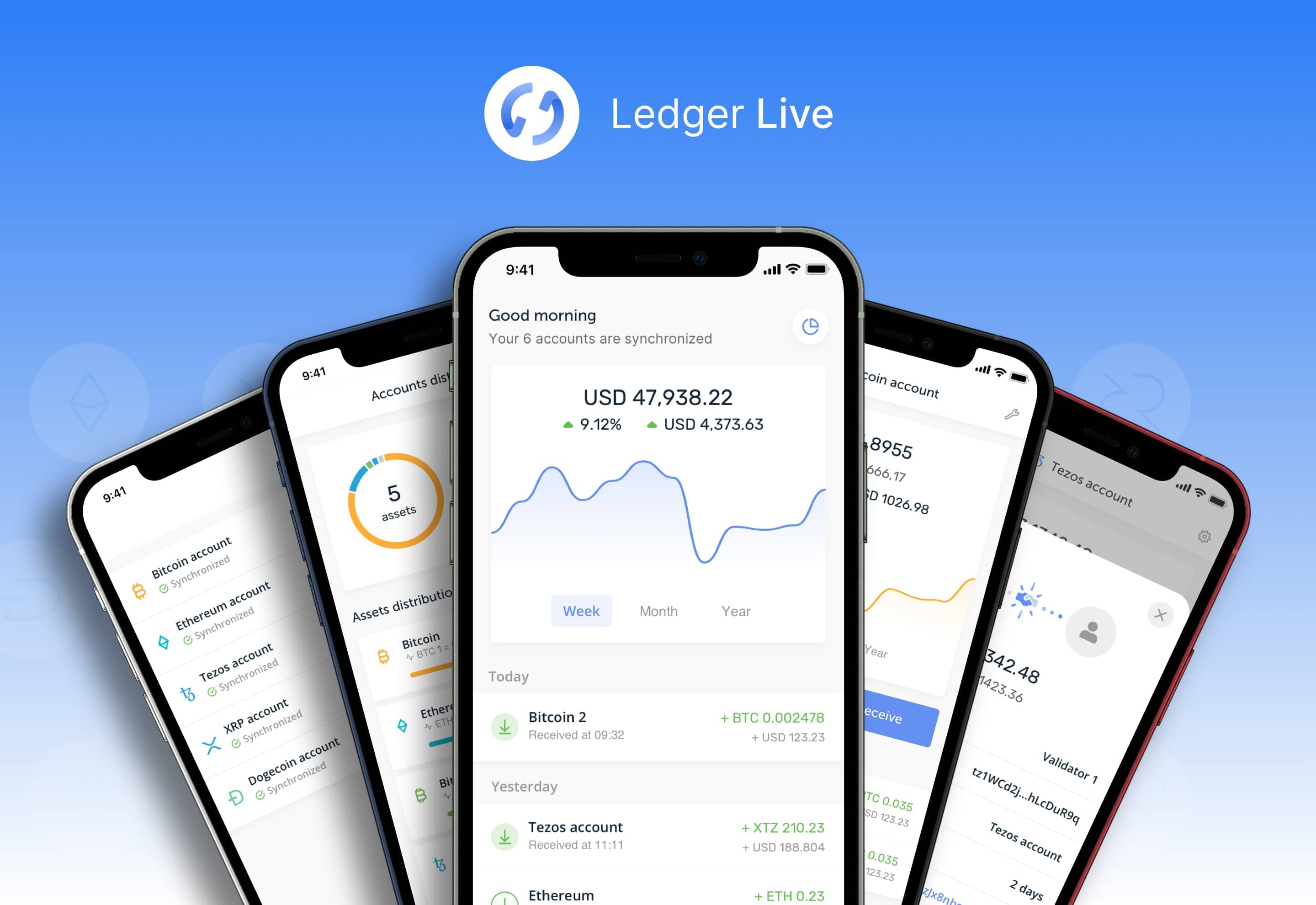
Ledger Live Mobile brings the Ledger Live experience to iOS and Android, allowing users to manage, buy, sell, exchange, and grow crypto assets on the go.
Outcome-first case study
Case study snapshot
The short version before the full project story.
Context
Ledger Live Mobile brings the Ledger Live experience to iOS and Android, allowing users to manage, buy, sell, exchange, and grow crypto assets on the go.
Key decision
The desktop Ledger Live model could not simply be compressed onto a phone. Mobile users needed the same sense of control and trust, but with smaller screens, touch-first flows, Bluetooth pairing, and faster context switching.
Role
Product Designer responsible for adapting the Ledger Live experience to mobile while maintaining feature parity, trust, and consistency with the desktop product.
Ledger Live Mobile extended Ledger's crypto-management experience to iOS and Android, giving hardware-wallet users access to portfolio, account, and transaction workflows from a mobile-first companion app.
Ledger Live Mobile brings the Ledger Live experience to iOS and Android, allowing users to manage, buy, sell, exchange, and grow crypto assets on the go.
The desktop Ledger Live model could not simply be compressed onto a phone. Mobile users needed the same sense of control and trust, but with smaller screens, touch-first flows, Bluetooth pairing, and faster context switching.
The app served Ledger hardware-wallet owners who wanted to monitor and manage crypto assets from mobile, including users pairing a Ledger Nano X and users moving between desktop and phone.
Product Designer responsible for adapting the Ledger Live experience to mobile while maintaining feature parity, trust, and consistency with the desktop product.
Benihoud Khalil, Scholving Brian, Dekkaki Marouane
iOS, Android
The experience had to support hardware-wallet pairing, secure transaction confirmation, mobile operating-system patterns, and continuity with Ledger Live Desktop.
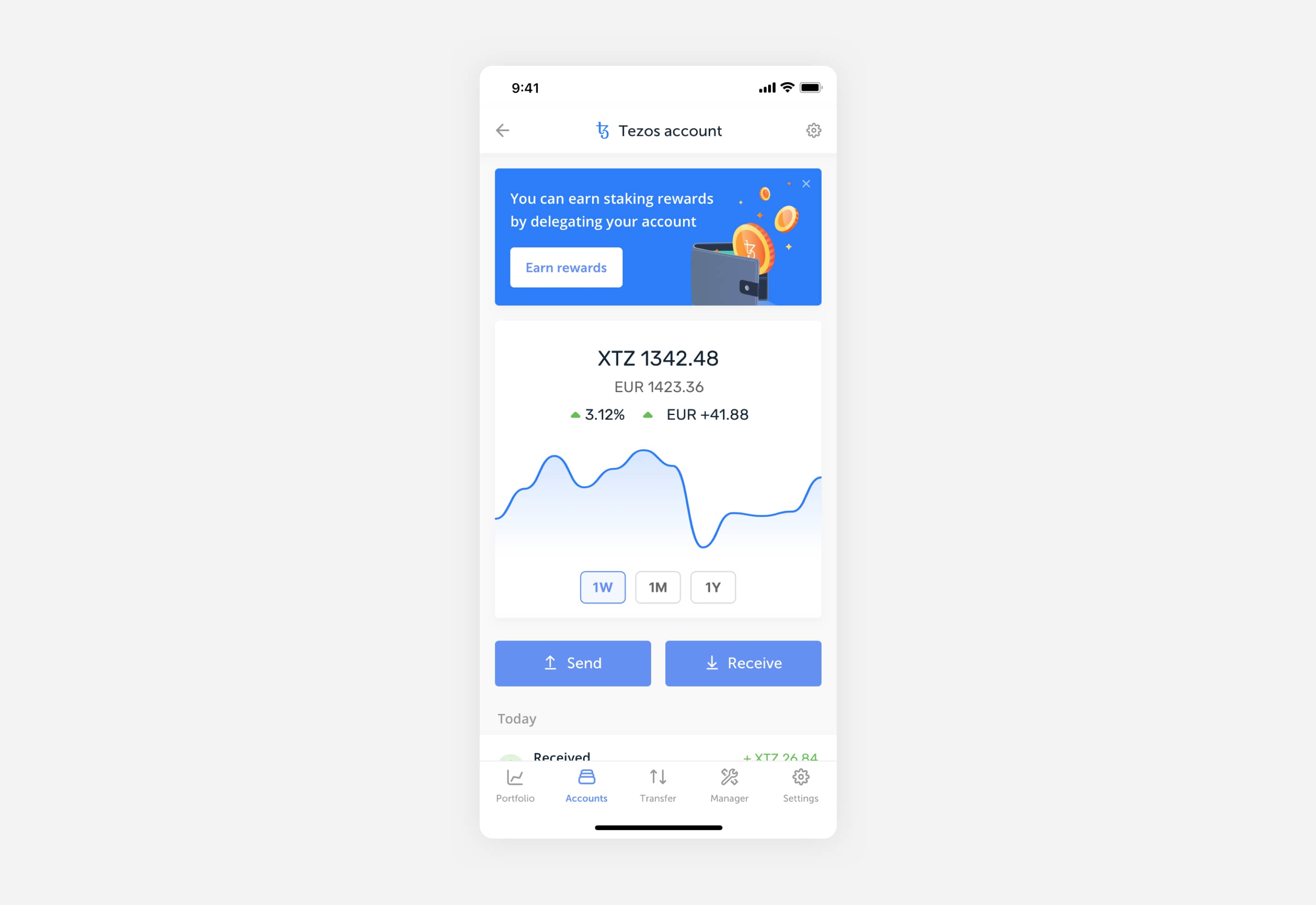
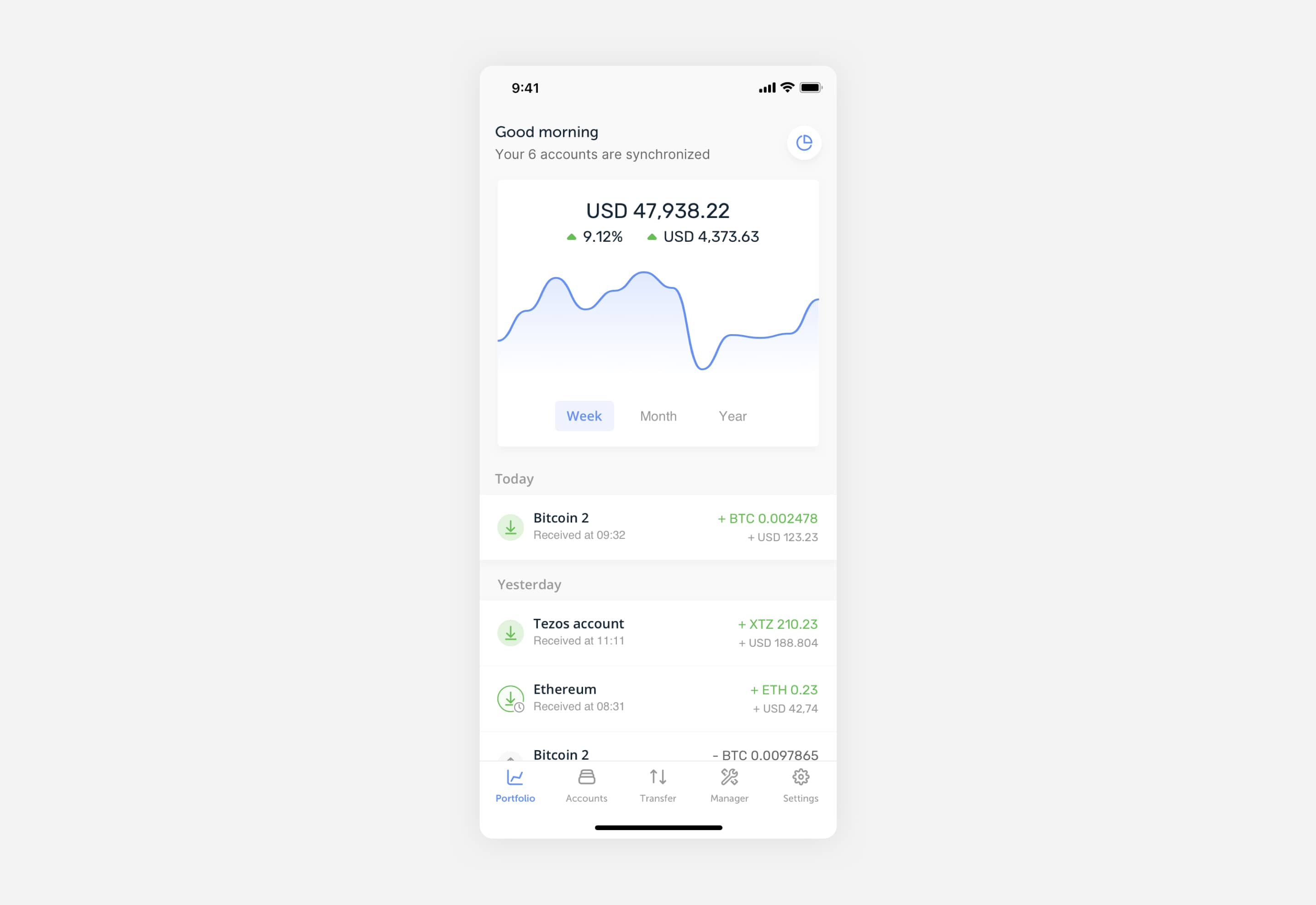 Portfolio view
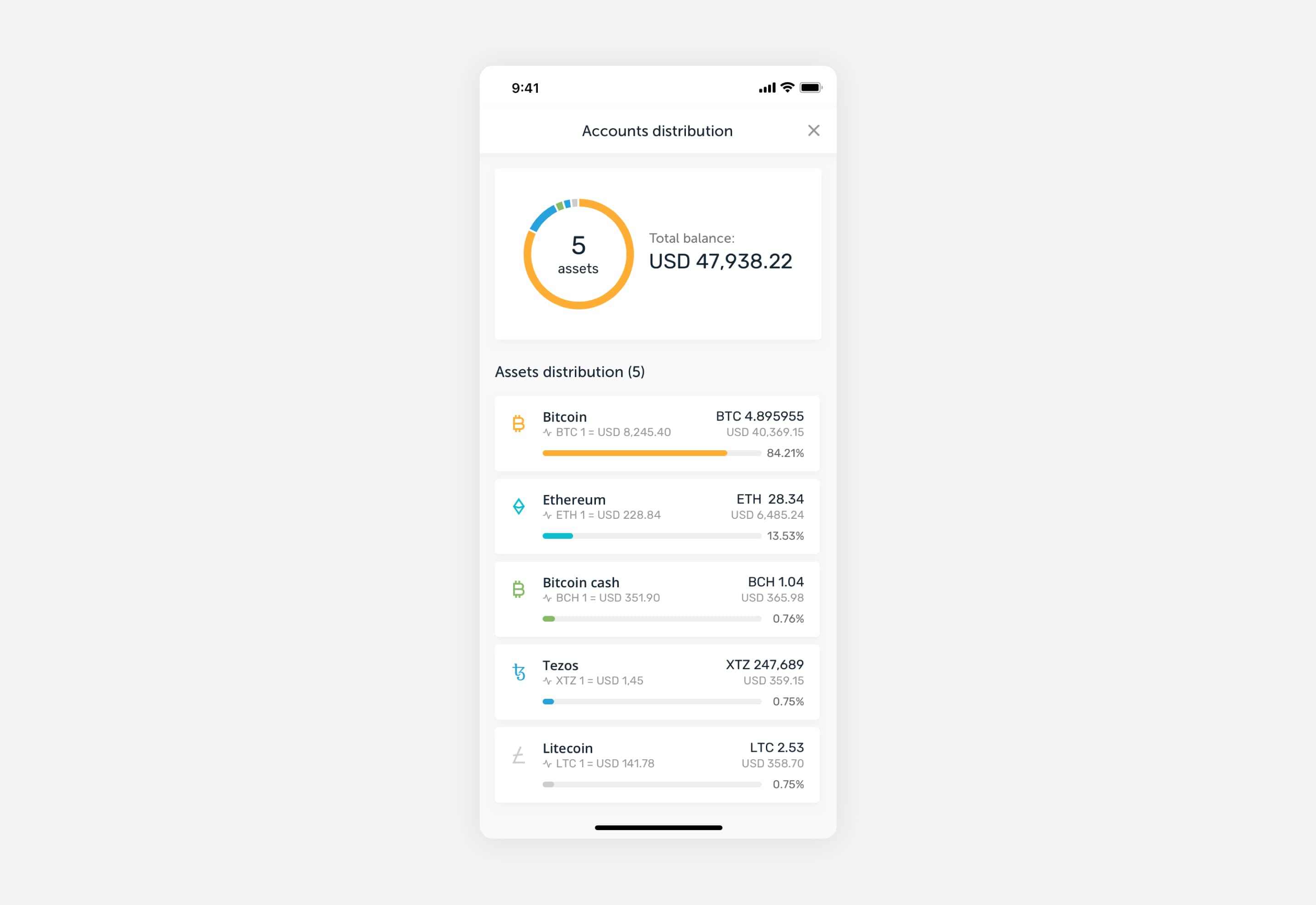 Account details
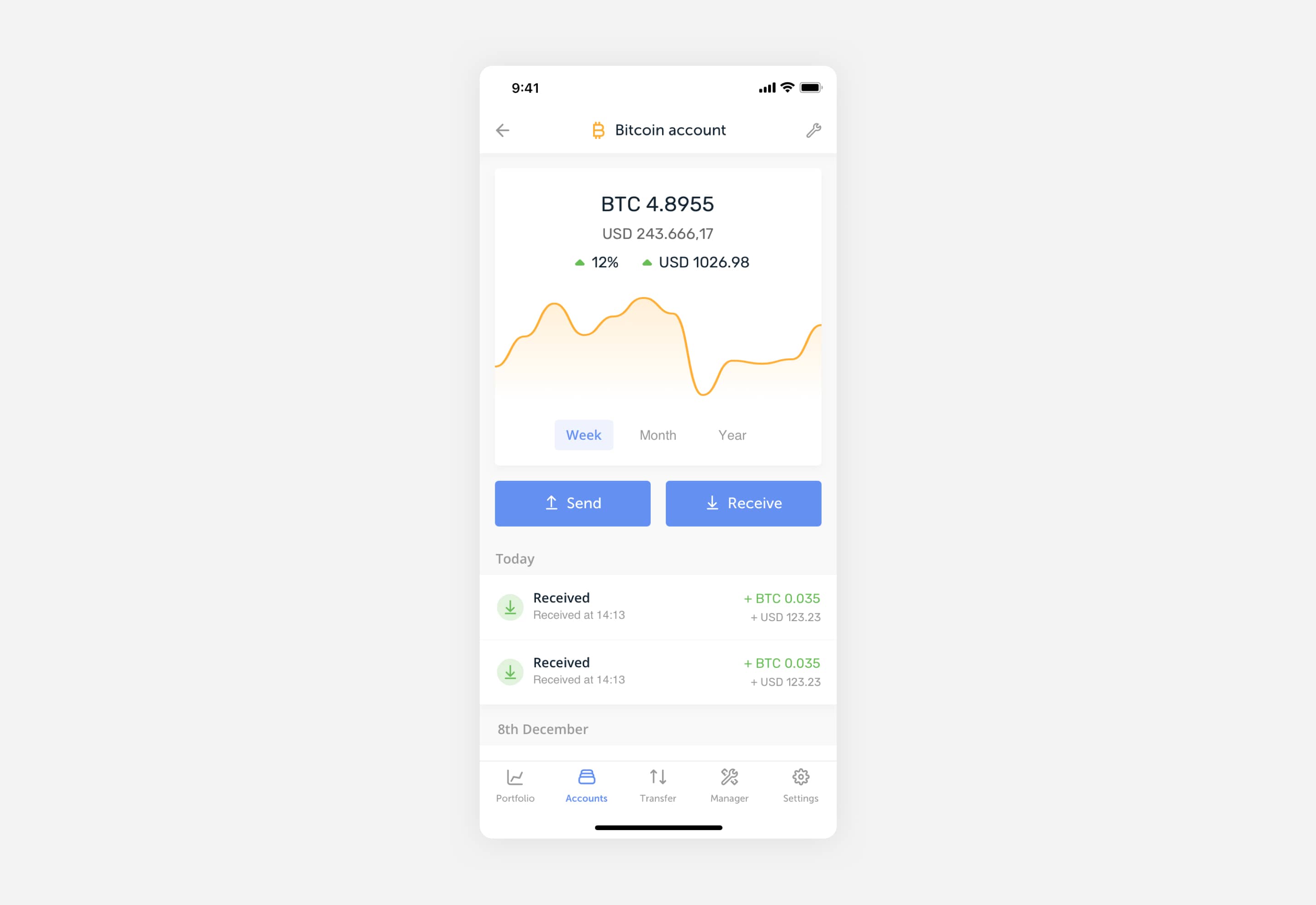 Transaction list
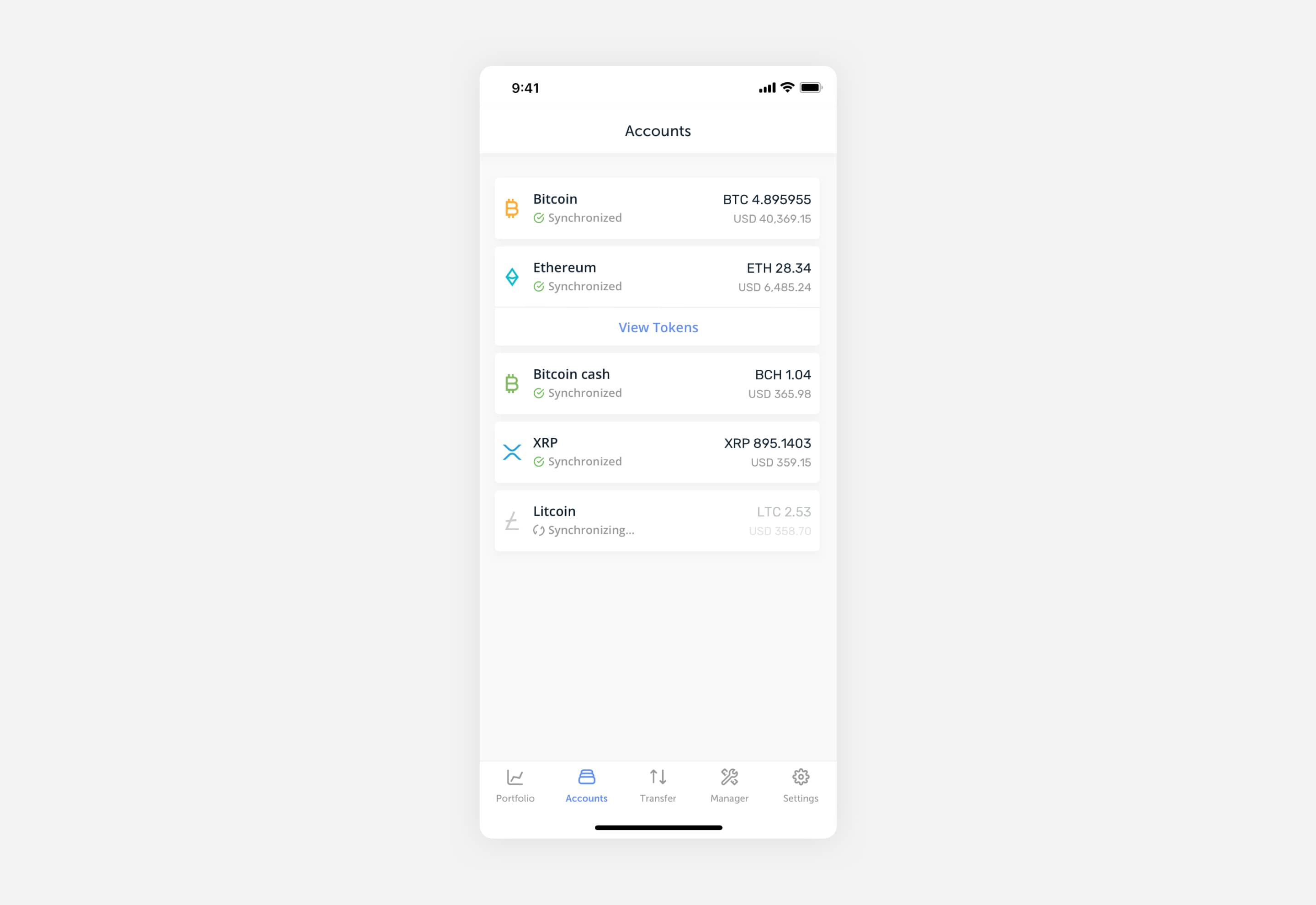 Send flow
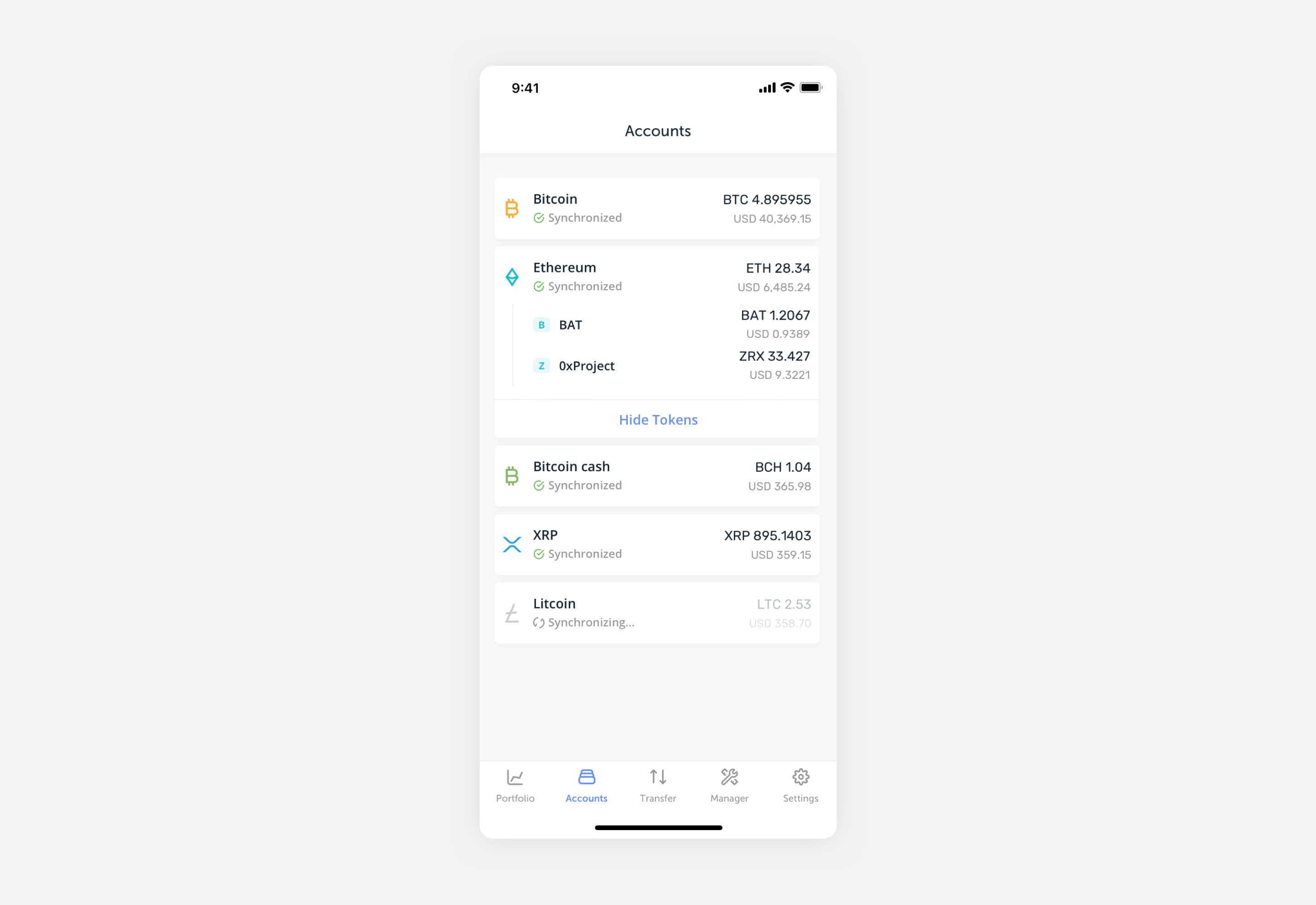 Receive flow
 Market view
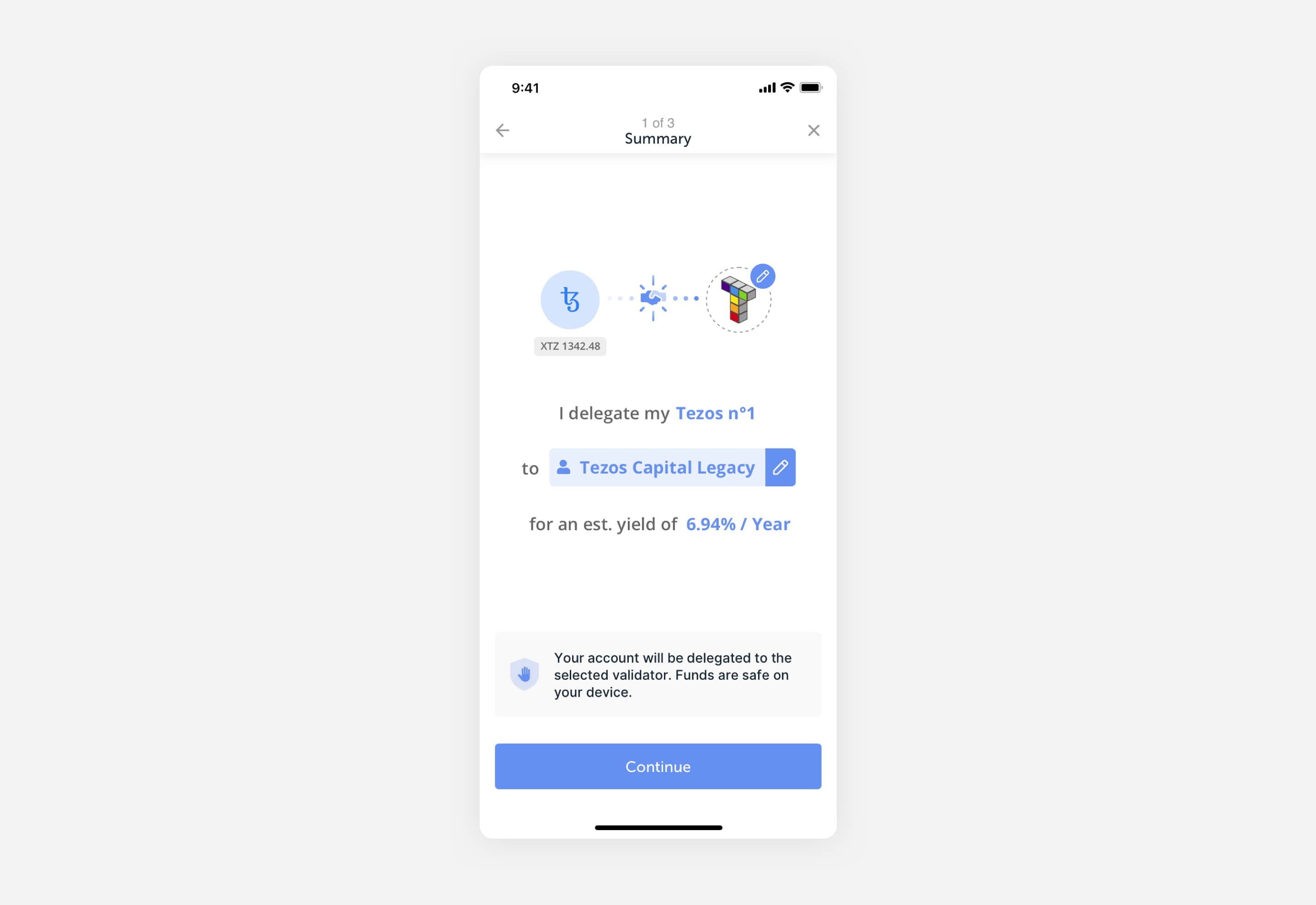
 Device connection
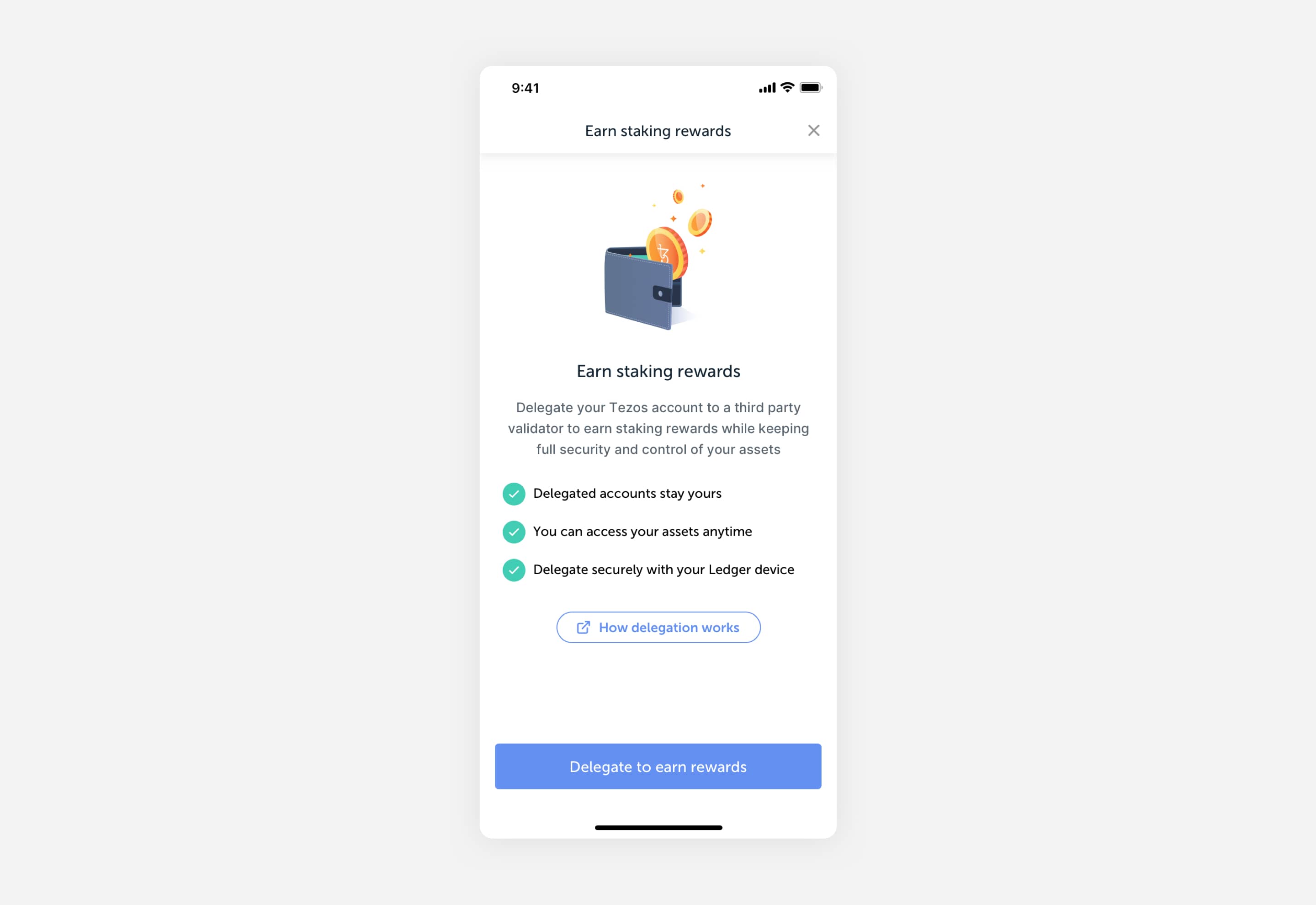
 Settings
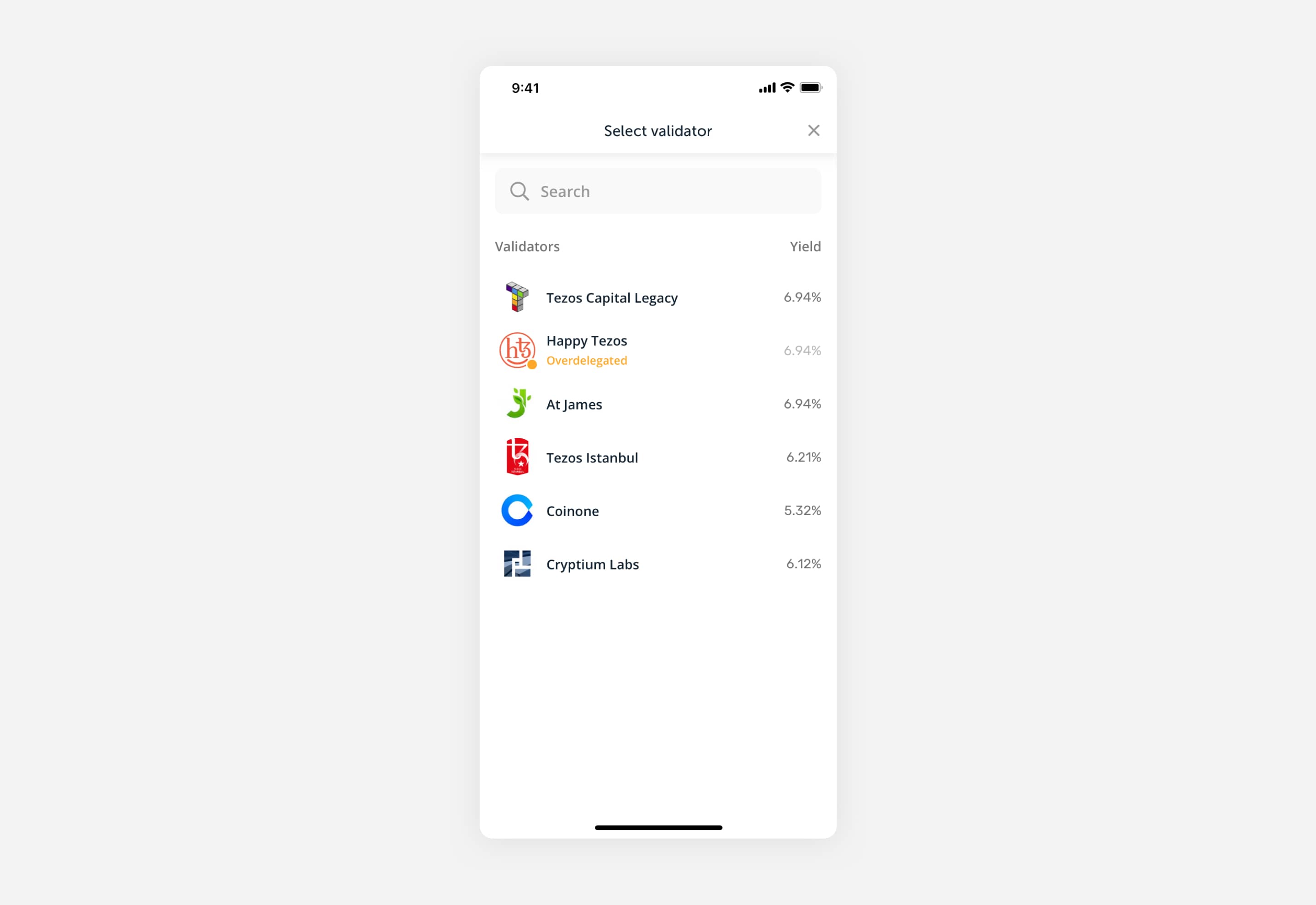 Onboarding
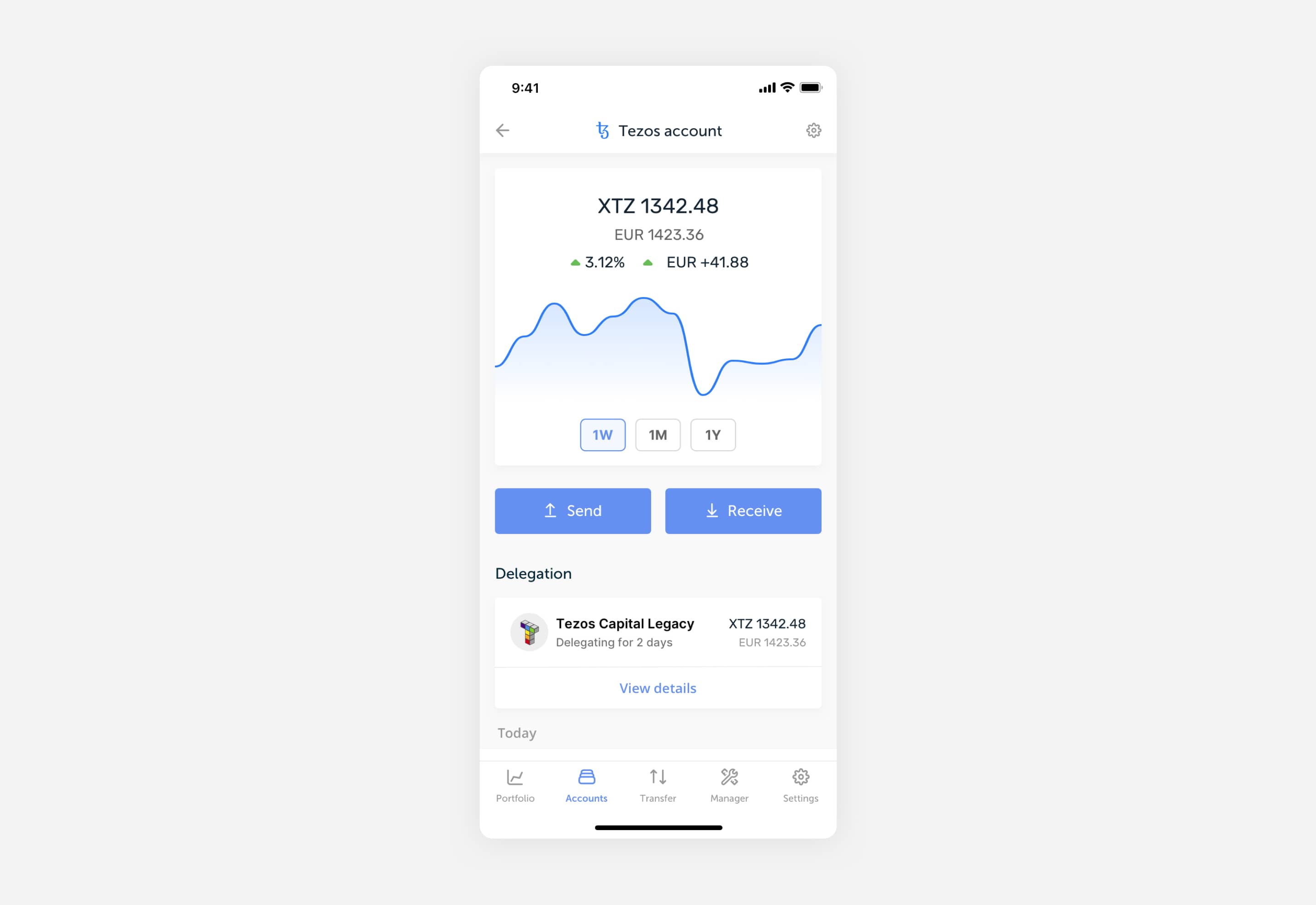 Final screens